
Listen to this article
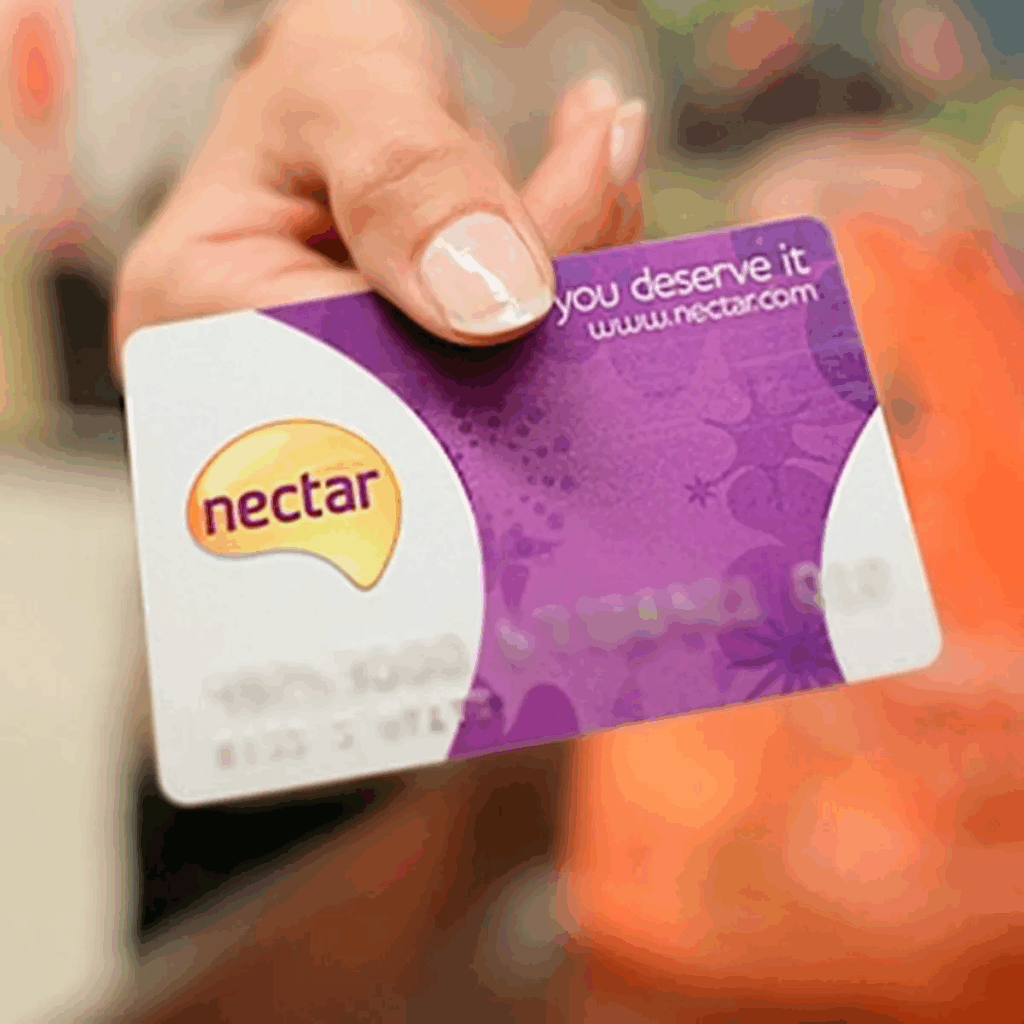
Recent updates to the Nectar Card system have sparked an important announcement from Sainsbury’s, particularly for those earning Nectar points through fuel purchases at Esso petrol stations. Customers are reminded that despite the new QR code features being rolled out in the Nectar Card app, it remains crucial to scan the traditional barcode while refueling to ensure the proper accumulation of their Nectar points. This change aims to enhance security, yet some shoppers have found it a bit confusing as they navigate these updates. Sainsbury’s has emphasized that the barcode is still essential for fuel transactions, reassuring users that their points can still be collected seamlessly. As Sainsbury’s continues to evolve its Nectar Card offerings, staying informed about these updates will help customers maximize their rewards efficiently.
The recent enhancements to the Nectar Card system, especially concerning how customers interact with their rewards scheme, have garnered significant attention. Following recent changes by Sainsbury’s to the Nectar Card experience, there has been some feedback regarding the new QR code implementation in the associated app. Despite these modern features, the retailer insists that the traditional barcode remains vital for gathering rewards at fuel stops, particularly at Esso service stations. It’s critical for users to understand these modifications to prevent any disruption in their loyalty rewards during fuel purchases. As updates continue to shape the Nectar Card landscape, clarifying these aspects ensures a smoother experience for all customers.
Understanding Sainsbury’s Nectar Points System
Sainsbury’s Nectar points system is designed to reward customers for their loyalty across various shopping experiences. These points accumulate through purchases made at participating retailers, such as Sainsbury’s supermarkets and Esso petrol stations. By utilizing their Nectar Card, customers can maximize their savings on future purchases. It’s essential for shoppers to be aware of the specific guidelines for collecting points, especially when making fuel purchases at Esso locations, to ensure they reap the full benefits of their loyalty.
Recently, Sainsbury’s has emphasized the need for customers to scan their traditional Nectar Card barcode during fuel purchases, despite updates to the Nectar Card app introducing a QR code feature. This highlights the importance of understanding how to effectively navigate the system to fully benefit from Nectar points. With a clear comprehension of these processes, customers can make informed decisions regarding their fuel transactions at Esso and avoid any potential pitfalls in point collection.
Navigating Changes to the Nectar Card App
With the recent updates to the Nectar Card app, many users have experienced confusion regarding how to utilize their cards effectively. The introduction of a QR code has sparked questions about whether the traditional barcode is still necessary when shopping at Esso petrol stations. Sainsbury’s clarified that customers must continue to use the barcode within the app to collect points on fuel purchases, despite the shiny new QR code feature. This adjustment can be overwhelming for those who may not be technologically savvy or are used to the former system.
To access the barcode within the updated app, shoppers are advised to ensure that their app is up to date. By tapping their card on the home screen and swiping left, they can easily retrieve their barcode. For many users, this minor adjustment might seem tedious, but it’s crucial for maintaining the ability to accumulate Nectar points from Esso transactions. Sainsbury’s aims to enhance customer experience and security through these changes, which underscores the need for ongoing communication about system updates and features.
How QR Code Updates Impact Nectar Card Users
The introduction of QR codes in the Nectar Card app represents a significant evolution in Sainsbury’s efforts to modernize the customer experience. While QR codes are increasingly becoming a secure method for transactions and promotions, the traditional barcode remains a staple for collecting Nectar points at certain locations, such as Esso petrol stations. This dual system can lead to misunderstandings among customers who may be unaware of the necessity of both formats for different types of transactions.
Despite user feedback that expresses some frustration over the changes, Sainsbury’s insists that these updates enhance security and streamline the rewards process over time. As the company prioritizes the protection of customer accounts, understanding how to transition between the two formats becomes essential. It’s great practice for shoppers to remain informed about these changes while actively engaging with the Nectar Card app to ensure they can collect points easily and efficiently.
Responding to Customer Feedback on Nectar Card Updates
Sainsbury’s has acknowledged the feedback coming from customers regarding the recent Nectar Card updates. Various users have taken to platforms like X to express their frustrations about the perceived complexity surrounding the new QR code feature. Comments about the tediousness of scanning and swiping reflect a broader sentiment among shoppers who value simplicity in loyalty programs. In response, Sainsbury’s has been proactive in sending clarifying emails to users, outlining the steps they need to take to continue collecting Nectar points effectively.
This transparency is crucial as it directly addresses customer concerns and fosters a better understanding of how to navigate the updated Nectar points system. Beyond just maintaining customer satisfaction, implementing feedback is vital for improving the overall user experience. The ability to adapt to consumer preferences is paramount, and Sainsbury’s efforts to enhance the Nectar Card system will ultimately benefit both the customers and the retailer.
The Importance of Loyalty Programs in Today’s Retail Market
Loyalty programs like Sainsbury’s Nectar points are critical tools in the competitive retail landscape. They encourage repeat business by rewarding customers for their spending habits, thus creating a relationship built on mutual benefit. As consumers become more savvy with their spending, having a well-structured loyalty program can not only enhance customer retention but also provide valuable data insights into shopping behaviors and preferences.
Furthermore, integrating technology into loyalty programs, such as with the Nectar Card app’s recent updates, is essential for keeping pace with evolving customer expectations. Retailers must offer convenient, user-friendly experiences that cater to the digital-savvy consumer base. Overall, these programs add value to the shopping experience, encouraging patrons to engage further with the brand and its offerings.
How to Maximize Your Nectar Points Through Fuel Purchases
One effective way to maximize your Nectar points is by utilizing your card during fuel purchases at Esso petrol stations. As customers fill up their tanks, they should remember to scan their Nectar Card barcode to ensure they receive points for their fuel transactions. The points accrued can later be redeemed for discounts on future shopping trips, fostering a cycle of savings that benefits regular customers.
To make the most out of this system, it’s advisable to keep track of the points accumulated through both regular shopping at Sainsbury’s and fuel purchases at Esso. Utilizing the Nectar Card app can also provide insights into current offers and promotions that allow customers to earn bonus points, especially during special events or seasonal promotions. By staying informed and strategic with purchases, shoppers can significantly enhance their overall savings.
Resolving Confusion Over Nectar Card Usage
With changes in technology and updates to the Nectar Card app, confusion has arisen over how to properly utilize the card for point collection. Sainsbury’s has taken steps to clarify that the barcode is still necessary at Esso petrol stations, despite new QR code features that have been added. This seems to have caused some disruption for long-time users who may not be accustomed to rapidly changing guidelines.
To alleviate this confusion, Sainsbury’s has encouraged users to familiarize themselves with the app’s latest version. A straightforward approach includes regularly checking for updates and consulting customer service when uncertainties arise. Clear communication will aid customers in understanding these changes and help them continue to benefit from their Nectar points effectively.
Future of Nectar Points and Customer Rewards Programs
The future of customer rewards programs like Nectar points hinges on staying relevant to changing consumer trends and digital advancements. As retail shopping continues to evolve, incorporating features like QR codes can enhance security and streamline user interactions. This evolution reflects a broader trend in loyalty programs, which must adopt technology that resonates with customers to remain effective and appealing.
Furthermore, as customers become more accustomed to digital engagement, existing loyalty programs may need to adjust in structure and execution. Retailers will need to innovate and leverage customer data, ensuring that the loyalty experience is personalized and meaningful. A well-executed transformation in rewards programs, especially in instances where customers can redeem points across various platforms, will significantly impact customer loyalty in the long run.
Tips for Using the Nectar Card App Effectively
To ensure an optimal experience with the Nectar Card app, customers are encouraged to download the latest version to take advantage of recent features and improvements. This includes accessing the barcode for point collection, which is crucial when making purchases at Esso petrol stations. Regularly reviewing app updates can empower users to utilize all available functionalities, including offers and notifications about point-earning opportunities.
In addition, maximizing Nectar points requires attentiveness to promotional offers that Sainsbury’s frequently rolls out. Shoppers should frequent the app or the Sainsbury’s website for announcements on special events or bonus point opportunities. Employing a strategic approach to shopping, combined with efficient app usage, can dramatically elevate a user’s savings and overall shopping experience.
Frequently Asked Questions
What are the latest updates regarding the Nectar Card for fuel purchases at Esso petrol stations?
Sainsbury’s has announced that customers using their Nectar Card for fuel purchases at Esso petrol stations must continue to scan the traditional barcode instead of the newly introduced QR code in the Nectar Card app. It’s important to ensure that the barcode is scanned at the tills to successfully collect Nectar points.
How can I access the barcode in the Nectar Card app after the recent updates?
To access the barcode in the updated Nectar Card app, ensure you have the latest version installed. Open the app, tap on your card on the home screen, and then swipe left to reveal your barcode needed to collect Nectar points at Esso petrol stations.
Will I still be able to collect Nectar points at Esso petrol stations after the Nectar Card app update?
Yes, you can still collect Nectar points at Esso petrol stations. However, you must use the traditional barcode from your Nectar Card app, as the Esso tills require this barcode to process your fuel purchases.
Why did Sainsbury’s decide to introduce QR codes in the Nectar Card app?
Sainsbury’s introduced QR codes in the Nectar Card app to enhance security measures for customers collecting and spending Nectar points. While QR codes are part of the updates, customers are reminded they need to use the barcode for transactions at Esso.
What should I do if I can’t find my Nectar Card barcode in the app?
If you’re unable to find your Nectar Card barcode in the app, ensure that your Nectar Card app is updated to the latest version. If the issue persists, try restarting the app or reaching out to Sainsbury’s customer service for additional support.
Why was there confusion among customers regarding the Nectar Card updates?
There was confusion among customers due to the transition from the traditional barcode to QR codes in the Nectar Card app. Many users were unsure about how to collect Nectar points at Esso petrol stations because the till transactions still require the traditional barcode to be scanned.
Can I still use my Nectar Card through Apple or Google Wallet after the updates?
No, after the updates, Nectar Card holders can no longer view their barcodes through Apple or Google Wallet. You must use the Nectar Card app directly to access your barcode for collecting points at Esso.
| Key Point | Details |
|---|---|
| Update on Nectar Card at Esso | Customers must scan the traditional barcode to collect Nectar points when buying fuel. |
| QR Code Introduction | New QR code feature in the Nectar app may cause confusion, but it is not used at Esso stations. |
| Accessing Barcode | Customers need to update their app and swipe left to find the barcode for fuel purchases. |
| Removal from Wallets | Barcode can no longer be accessed via Apple or Google Wallet; must use Nectar app. |
| Customer Feedback | Customers expressed dissatisfaction with the changes, calling them unnecessary and tedious. |
| Sainsbury’s Stance | Emphasis on security with the introduction of QR codes as a new method for collecting points. |
Summary
Nectar Card updates have clarified important points regarding how customers can collect Nectar points while purchasing fuel at Esso. Sainsbury’s has urged customers to continue using the traditional barcode to ensure that points are properly accumulated despite the recent introduction of a QR code in the Nectar app. Shoppers should be aware of these changes to navigate the Nectar Card system efficiently.